
Face Editing Basics: What Beginners Should Know
Face editing can feel overwhelming when you're just starting out. You see perfectly polished photos everywhere and wonder how people achieve that flawless look without looking fake. The truth is, great face editing isn't about dramatic transformation—it's about subtle enhancements that make you look like your best self.
If you're new to photo editing, professional tools like https://retouchme.com/service/face-editor take the guesswork out of the process by offering targeted adjustments that beginners can master quickly. Let's break down the essential techniques you need to know.
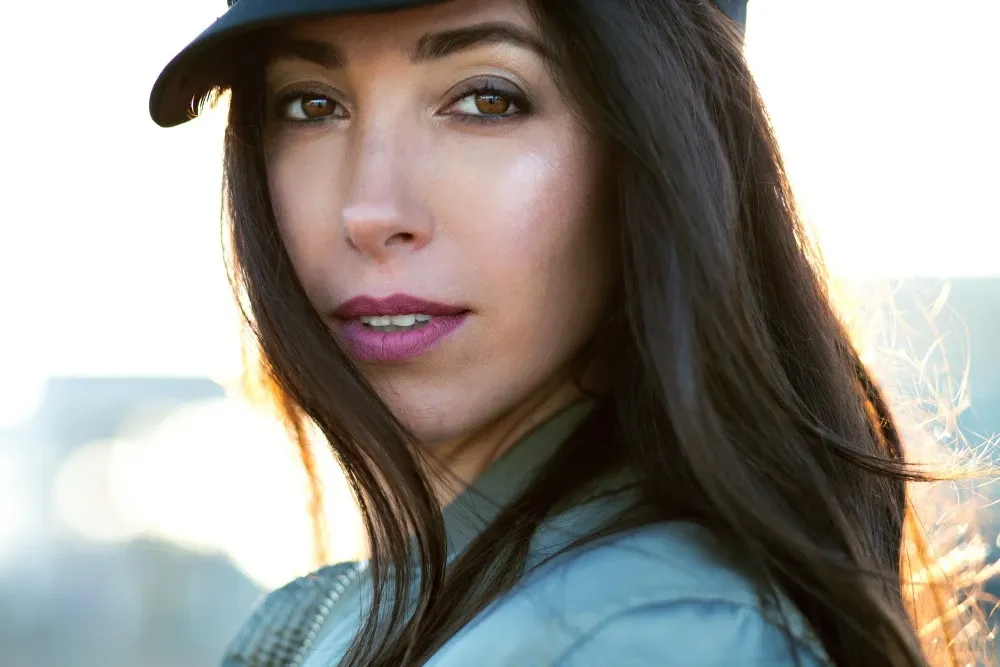
Start With Skin Smoothing, Not Blurring
The biggest beginner mistake is over-smoothing skin until it looks like plastic. Your goal is evening out texture and tone, not erasing it completely.
Focus on reducing temporary imperfections like blemishes or redness while keeping natural skin texture visible. This maintains realism and prevents that overly-filtered look. Always zoom in to check your work – what looks good at full-screen view might look artificial up close.
Learn the Difference Between Color Correction and Filters
Color correction adjusts warmth, brightness, and tone to make your skin look natural under different lighting. Filters apply preset effects that often look artificial in full size.
When your photo has an orange cast from indoor lighting or looks too pale from flash, use color temperature adjustments rather than filters. Small tweaks create more professional results.
Master Eye Enhancement Without Overdoing It
Eyes are the focal point of any portrait, but over-editing them looks unnatural. Beginners often brighten eyes so much they look alien or sharpen them until they're unnaturally intense.
Focus on:
- Subtle brightening of the whites (not pure white)
- Gentle enhancement of iris color
- Light sharpening to add definition
- Removing red-eye from flash photography
The eyes should look awake and clear, not glowing.
Understand Face Shape Adjustments
Face reshaping tools are powerful but easy to misuse. Beginners often go too far, creating distorted features or unnatural proportions.
Start with minimal adjustments—slightly refining a jawline or reducing under-eye puffiness. Save your edits and come back later with fresh eyes. What felt subtle often looks overdone after a break. Pay attention to the background – if walls or doorframes near your face start bending, you've gone too far.
Keep Proportions Natural
Your features exist in relation to each other. Enlarging eyes without adjusting other features creates imbalance. Slimming your nose too much throws off facial harmony.
Think about your face as a complete composition rather than individual parts to fix. Sometimes the issue isn't one feature but lighting or angle affecting everything.
Always Compare Before and After
Save your original photo and toggle between edited and unedited versions. This reality check helps you spot over-editing before sharing.If someone who knows you well wouldn't recognize you, you've edited too much. The goal is enhancement, not transformation.
Face editing improves with practice. Start with small, targeted adjustments and build confidence before attempting complex edits. The best results look effortless because they preserve what makes your face uniquely yours.
